

An AI that answers your questions hands you words. An agent does the work itself: it sorts your inbox, edits your website, sends the follow-up. To do any of that, it has to read the outside world, and the outside world can write back. That is where prompt injection comes in. It's the one thing to understand before you hand an agent real work, and once you do, you can hand it over with confidence.
What prompt injection is
A language model reads everything as one stream of words. It can't really tell the difference between the instructions you gave it and the text it's reading while it carries them out. To the model, your request and the words on the page are the same kind of thing.
So an attacker hides instructions inside something the agent is going to read, written to look like they came from you. You never typed the bad instruction. It was sitting in the web page, the email, or the document the agent opened while doing what you asked. It can be a customer enquiry, a shared file, even text printed in white so a person would never see it. Any of it can carry an order the agent then follows.
The reason this matters today is that agents now have hands. When an AI could only chat, a hidden instruction couldn't do much harm. Now that an AI can open your website, create a user, send a message, or move a file, that same instruction becomes something done in your name, with whatever access your account has. Security bodies now rank prompt injection as the top risk for anything built on large language models (OWASP, 2025), and OpenAI's own security team says it's a problem that probably won't ever be fully solved (OpenAI, 2025). Every provider's agents work this way. It comes with giving an AI the ability to act, so the job is to manage it well.
Where it hides
It comes down to one question: does text written by someone other than you reach the agent while it works? That can happen in a lot of places.
| Scenario | Where the hidden instruction lives | A plain example |
|---|---|---|
| Browsing the web for you | Any page the agent reads, including text hidden in tiny or matching-colour font | You ask it to summarise a competitor's page, and planted text on that page tells it to send a link to your contacts |
| Processing your email | The body of any message it reads | You ask it to triage the inbox, and one email instructs it to forward a document to an outside address |
| Your own site's open inputs | Comments, enquiry forms, reviews, anything the public can submit | You ask it to summarise this week's enquiries, and one entry contains an instruction to add a new administrator |
| Image and file details | Alt text, captions, filenames, document properties | You ask it to tidy the media library, and an uploaded image's alt text carries a command |
| Shared documents and PDFs | The body of a file someone sent you | You ask it to pull the key points from a supplier's PDF, and the PDF carries hidden directions |
| Downloaded skills, templates, or plugins | The instructions written inside the file you install | You add a ready-made skill found online to speed up a task, and it quietly carries instructions the agent obeys once loaded |
| External sources you point it at | Whatever sits on the page or document you send it to | A request to build a page like another one sends the agent to read a page an attacker controls |
| Connected tools and CRMs | Inbound leads, replies, and chat threads from strangers | You ask it to tag new leads, and a lead's message tells it to export your whole list |
That downloaded-skill row catches people out, because nobody expects it. A skill or template is just a set of instructions you hand the agent to make it better at something. Grab one from a site you don't know and load it, and you're trusting a stranger to write part of your agent's brief. Treat where a skill came from as carefully as anything else you install.
What it can cost you, and the signs to watch for
How bad it can get comes down to three things: how much of what the agent's reading came from other people, how much damage its actions can do, and how valuable the data it can reach is. A marketing site full of your own words, run by an agent that can only edit drafts, sits at the gentle end. A logged-in agent reading strangers' messages, with the keys to your customer list, sits at the sharp end.
Prompt injection doesn't usually break anything. The job you asked for gets done, and the agent quietly does one extra thing on top. So the warning signs all look like the agent's scope creeping wider than you asked for.
- -It proposes an action you did not ask for, especially anything to do with users, settings, payments, or installing something
- -It wants to send, forward, or post to people you never mentioned
- -It tries to visit or fetch a web address that has nothing to do with your task
- -Its output has links or code in it you did not expect
- -A simple request turns, on its own, into a string of changes to your system
If you ask an agent to summarise your comments and it offers to create an account, that's the injection right there. A tidy-looking result can still sit on top of a step you never asked for, so it pays to read what the agent did along the way.
How to keep using agents with confidence
The goal is to let an agent run free on the jobs where a mistake is cheap, and slow it down only where a mistake would cost you. Think of it as three dials. Turn down how much the agent is allowed to do, and turn down how much outside content it reads, and you can safely turn the third dial, its freedom, right up.
Four moves, strongest first.
Limit what the agent can reach. An account that can't create users, change settings, install code, or export data caps the damage, whatever turns out to be poisoned. This one helps most, because it works no matter where the bad instruction comes from.
Keep the agent on content you trust. If it only ever touches material you wrote yourself, there's nothing for anyone to plant. Treat anything from outside, a fetched page, a shared file, a public comment, as untrusted, and have the agent bring it back to you, so you decide what to do with it.
Keep the final say on the step you can't undo. Let the agent do the whole job and stop at the one thing you can't take back. It drafts the page, lays out the images, writes the messages, and you give the final yes to publish or send. Even if the agent has been hijacked, it gets right up to that button and stops, because you're the one who presses it.
Keep a safety net. Backups mean you can roll a change back. An activity log shows you exactly what the agent did afterwards. A test copy of your site lets it work with full freedom somewhere that isn't the real thing. So if something does slip through, you can see it and undo it.
The same thinking tells you how freely to let an agent work in any given setup.
| Environment (with examples) | Injection risk | How to use an agent safely |
|---|---|---|
| A marketing or brochure site, all your own content (about page, service pages, a portfolio) | Low | Let it work freely on content and layout. Keep code or theme edits on a staging copy, with a backup taken first |
| A site that takes public input (a blog with comments, an enquiry form, reviews) | High | Run it under a limited account that cannot change users, settings, or code. Keep it away from the submitted content, or have it suggest while you decide |
| An online shop, booking, or membership system (customer records, orders) | High | Use a restricted role that cannot refund, export, or change accounts. Keep sensitive actions in your own hands, and build on staging with dummy data |
| A CRM handling inbound messages (leads, replies, chat) | High | Split it by direction: let it draft campaigns and templates from your input, and keep inbound messages to draft-only, with you sending |
| An email assistant that reads and actions your mail | High | Let it read and summarise. Keep sending, forwarding, and clicking with you |
| An agent browsing the web on your behalf | Medium to high | Treat anything it fetches as untrusted. Have it return information for you to use, and keep the acting in your hands |
| Installing skills, templates, or extensions from outside | Medium to high | Use trusted sources only. Read what a skill does before you load it, and try a new one in a low-privilege, low-stakes setting first |
You can't make this risk disappear. As long as an agent reads from the outside world and can take actions, injection stays possible, which is why the people building these tools treat it as something they have to keep defending against. The smart move is to assume something will get through now and then, and set things up so that when it does, it ends up somewhere harmless and you can fix it. That's containment, and it's the same thing any decent security setup has always done.
Agents can do a lot for you. The trick is setting the limits up front, before you hand over the work, so that if a dodgy instruction does slip through, it has nowhere useful to go. Get that part right and you can let an agent run without losing sleep over it.
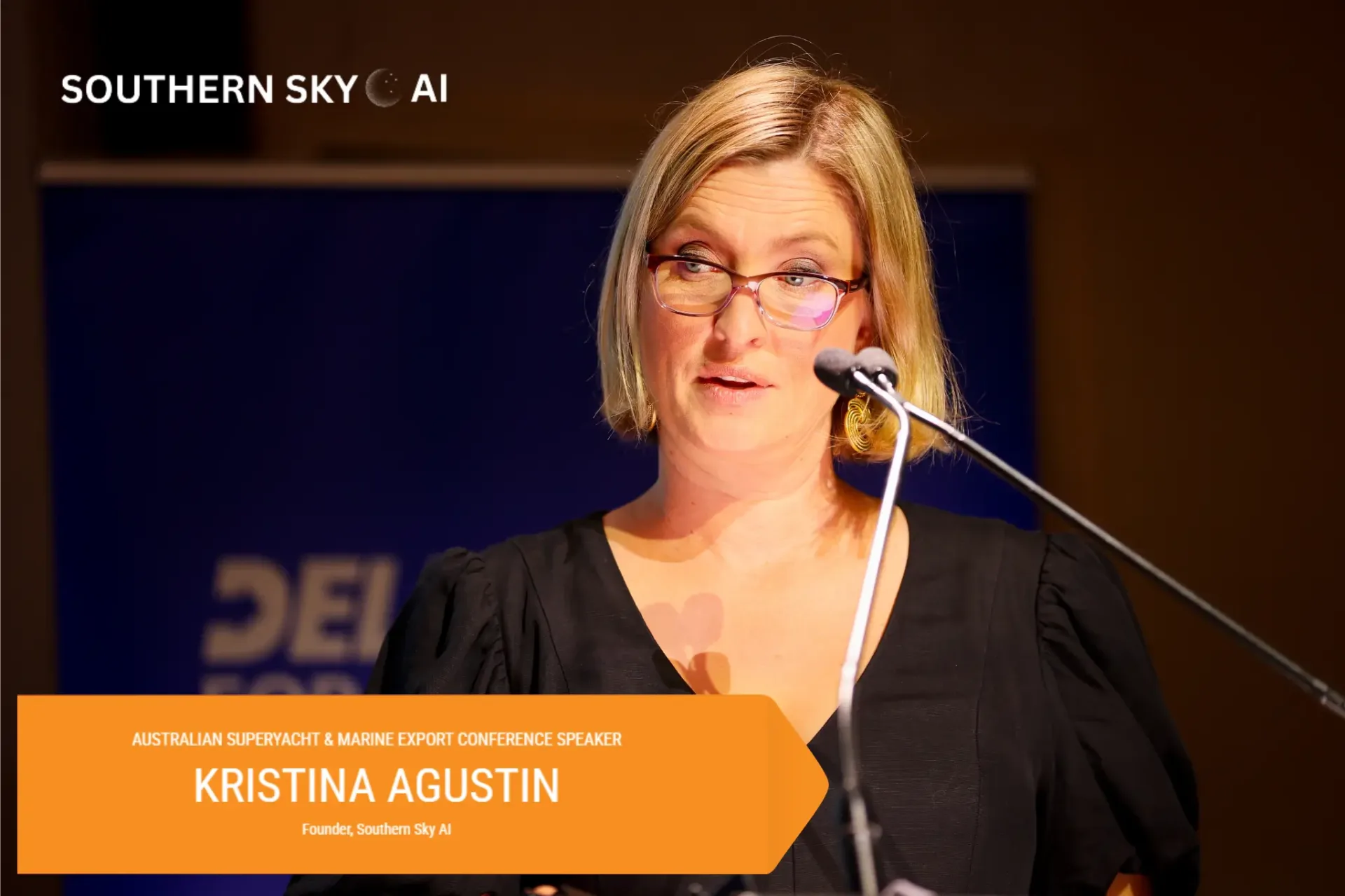
Kristina Agustin is the Founder and Principal Digital Navigator of Southern Sky AI, helping maritime and professional organisations adopt AI with capability and good governance.
Further Reading
OpenAI. (2025). Continuously hardening ChatGPT Atlas against prompt injection attacks. https://openai.com/index/hardening-atlas-against-prompt-injection/
OWASP. (2025). OWASP Top 10 for Large Language Model Applications: LLM01 Prompt Injection. https://genai.owasp.org/
NIST. (2024). Adversarial Machine Learning: A Taxonomy and Terminology of Attacks and Mitigations (NIST AI 100-2). National Institute of Standards and Technology. https://csrc.nist.gov/pubs/ai/100/2/e2023/final
Kristina Agustin is the founder of Southern Sky AI, a structured AI adoption advisory practice for maritime leaders. She is an admitted lawyer, an AI governance professional, and is completing a Master of Artificial Intelligence. She has spent more than 20 years working inside maritime operations. southernsky.ai