On this page
Where businesses get caught up
A lot of the marine business owners I speak with are wary of signing up to a business plan with an AI provider. They've heard that whatever goes into ChatGPT or Claude is out of their hands, and they'd rather keep their data close. In the same week, they're running email with an AI assistant built in, storing files in a service that has added AI search, and keeping crew certificates and passports in a management platform that now has an AI assistant of its own.
This is the biggest place I see businesses get caught up, and it comes from a misunderstanding. The worry sits on the AI they can see, while the AI already running inside their everyday tools goes unexamined. Both are reasonable to think about, both come down to the same few questions, and the answers are closer together than most owners expect.
How AI reaches your data
When you type into an AI tool, your words and any files you attach are sent to the company running the model. When a platform you use offers an AI feature, the same thing happens under the hood: the platform sends your data to a model, often one made by the same few AI companies, through the platform's own account with them.
So in both cases your data is technically exposed to a third party. The exception is an open-source model you run on your own systems, which keeps the data in-house but is technically heavy to set up and maintain. Outside that, the useful question is what limits sit around that exposure, and those limits are set by the terms you're under.
The three parts of AI privacy
AI privacy comes down to three parts:
- Model training: whether your data is used to train the model.
- Access and retention: who can see your data, and how long it's kept.
- Data residency: where your data is stored and processed.
Hold any AI tool or feature up against those three, and you can see where you stand. Hold your email, file storage and crew platform up against them too, and you'll find they're in a similar position.
What the terms say for ChatGPT and Claude
The answers change a great deal between personal accounts and business accounts.
Personal accounts. On a personal ChatGPT account, including the paid Plus and Pro plans, conversations are shared for model training by default. You can switch this off under Settings, then Data controls, by turning off "Improve the model for everyone". Rating a response with a thumbs up or down can still allow that whole conversation to be used for training. On a personal Claude account, the user chooses whether chats are used to train the model, and if they allow it, the data can be kept for up to five years. Another major AI chat tool, when activity saving is on, keeps personal activity for 18 months unless the user changes it, and human reviewers read some conversations, which are then kept for up to three years.
The bigger gap with personal accounts is visibility. When a crew member or office manager uses a personal account for work, nobody in the business can see what went in, and the settings are whatever that person chose.
Business accounts. ChatGPT Business and Enterprise, Claude Team and Enterprise, and the developer access (APIs) both companies offer work differently:
- Your data isn't used to train their models by default.
- Retention is limited: on business plans, deleted conversations are removed within about 30 days, and developer access keeps data for up to 30 days. Content flagged for misuse, or held for legal reasons, can be kept longer.
- A data processing agreement is available, or built into the terms.
- An administrator controls who uses the tool and what it can connect to.
Residency varies by provider and plan. Some offer regional storage on business tiers, while others process data in the United States or across their global infrastructure, so it's a point to check before you sign up.
The platforms you already use
The same three parts apply to the AI built into tools you already trust.
Microsoft 365. Microsoft's published terms for Copilot say your prompts and business data aren't used to train its models, and that Copilot shows each person only what they already have permission to open. Copilot now also runs models from the makers of ChatGPT and Claude, listed as Microsoft subprocessors. Claude models are switched on by default for most commercial customers outside Europe and the UK, and they currently sit outside Microsoft's commitment to keep European customers' data within Europe. Your Microsoft 365 administrator can turn them on or off in the admin centre.
Dropbox. Dropbox publishes the AI models behind its features, which come from the makers of ChatGPT and Claude. It says its contracts restrict those providers from training on customer data, its AI trust page gives a 90-day data retention period, and its AI search product stores data in the United States.
Crew and vessel management platforms. At least one platform used by yacht offices is rolling out an AI assistant that reads the crew database, including passport expiry dates, through an external AI provider. Administrators can switch its crew tools off and decide what each role can use. Its published pages don't say which provider sits behind it or how long that provider keeps the data.
Other everyday business tools. Some of the tools you already use go further than the AI companies' business plans. HubSpot uses customer data to train its own AI models, with the setting on by default until a Super Admin switches it off. QuickBooks trains Intuit's own AI models on customer data, though its AI partners can't. Mailchimp's terms allow AI inputs and outputs, including customer data, to be used for machine learning. Adobe Acrobat switches its AI Assistant on by default, deletes each session after 12 hours, and doesn't use your documents to train its models.
These are sensible terms in many cases. The difference is that the vendor chose them on your behalf, and many businesses are using these features without anyone having asked the three questions.
The full AI Tools Data Policy Guide: model training, retention and switch-off steps for 46 tools, including maritime platforms, checked in November 2026.
Read the guide →
The risk, specified
From what I see, the risk comes from three places.
Personal accounts used for business. Crew details, owner correspondence and client information can go into model training and long retention, with nobody in the business aware of it or able to see it.
Permissions. An AI assistant can reach what the person using it can reach. If a folder of crew records or budgets has been shared too widely over the years, the assistant will answer questions from it for anyone who has access, including people it was meant to be kept from. Microsoft's own guidance uses this example and recommends tidying access before switching Copilot on. The exposure grows when you connect an AI agent to your email, drive or a platform with a shared login: it reaches whatever that login reaches, and an email or document carrying hidden instructions can try to direct it.
Not knowing. AI features arrive in software updates and are often switched on by default. If nobody has asked which model they use, where the data goes or how long it's kept, the business can't answer when a client, an owner or an insurer asks.
The opportunity in this
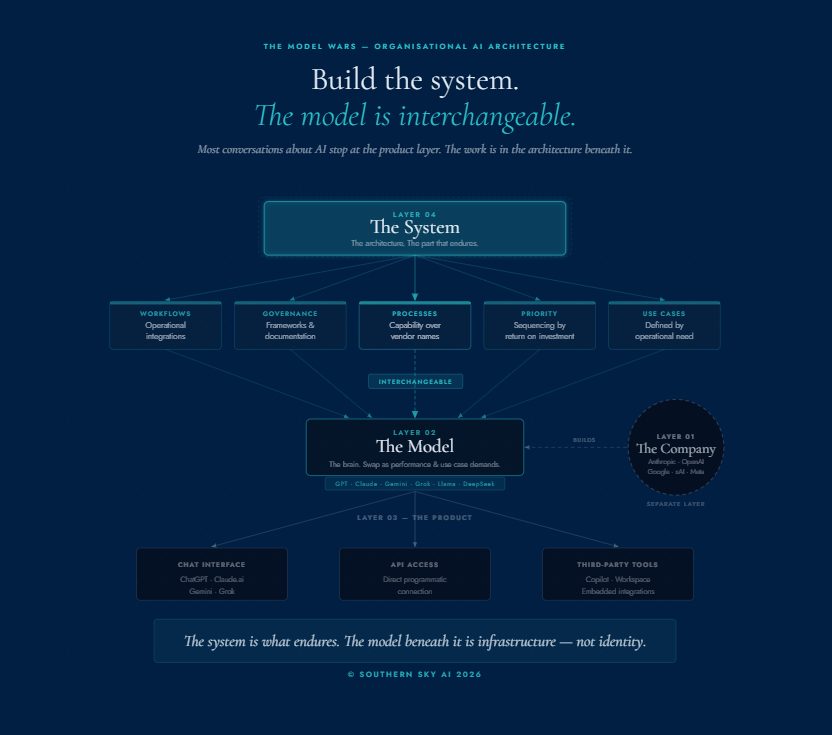
There's also an opportunity here. Look at how the platforms you use are built, and many of them send your data to models from the same AI companies; in the examples above, the makers of ChatGPT and Claude. They reach those models through developer access (APIs), either from the AI company directly or through a cloud provider such as Microsoft Azure or Amazon Web Services, under commercial terms much like a business plan's: your data isn't used for training by default, and retention is limited. One difference matters here: at the developer level, a platform can apply for zero data retention, where the provider doesn't store the inputs and outputs after it responds. The AI company decides who qualifies, so whether your platform has it is a question for your vendor.
Each platform then shapes what comes back from the model in its own way. It corrals the AI, flavours it and gives it a very defined purpose, such as telling you whose passport expires next. Which raises a fair question: what's stopping you from doing the same?
There are two ways to go about it.
- Build your own software on the same models. You can use the same developer access the platforms use to build tools for your own business. You then carry the responsibilities the platforms carry: reading the provider's terms, knowing which subprocessors handle your data, deciding how long it's kept, and controlling who can reach it. You become an infrastructure provider for your own data.
- Run an open-source model on your own systems. This keeps the data in-house, and it's technically heavy to carry. You're responsible for keeping the model updated, checking its responses are good, and taking on by yourself the upkeep the AI companies have invested billions of dollars in.
When you take a sensible step back, most of the time you don't need the second option. For low-risk work, you don't need to become a tech company. You can build on existing models the same way the software you already use is built. Building a model of your own is the exception; customising the ones that already exist is how a great deal of software gets made. There's a great deal available at your fingertips right now.
A way forward
Moving forward takes common sense and a few steady steps, in this order:
- Find the AI already switched on. Check the admin settings in your email and office suite, your file storage and your crew or vessel platform.
- Know where the terms live. Each provider publishes its training and retention terms on a privacy or trust page. The tables at the end of this article point to them, and Southern Sky AI's AI Tools Data Policy Guide covers more than 40 tools, so you know what you're agreeing to before you agree to it.
- Ask each vendor the three questions. Does our data train the model? Who can see it, and for how long? Where is it processed? Then ask whether an administrator can switch the feature off or limit it by role.
- Give your team an approved business account. Choose a business plan with training off and an administrator in charge, so AI use moves off personal accounts and into the open.
- Tidy permissions before connecting AI to anything. Review shared folders, old crew records and shared logins first.
- Keep passports, medical and payroll records out of general chat tools unless the tool has been approved for that data.
- Write down your rules. Set out what goes in, what stays out, and who checks the output before it reaches a client or the crew.
The terms you're under set the limits
Your data is technically exposed wherever AI runs on someone else's systems, whether you use a provider directly or a platform uses AI under the hood. Training, access and retention, and residency are set by the terms, so the terms you're under decide your position. A business account set up with care puts those terms in your own hands. Built-in AI puts them in the vendor's, where they can be asked about.
The terms for the AI tools are published, they sit close to the terms you already accept for email and file storage, and you can read them before you agree to anything. The business that knows its terms can use AI with confidence, in the tools it chooses and the tools it already has.
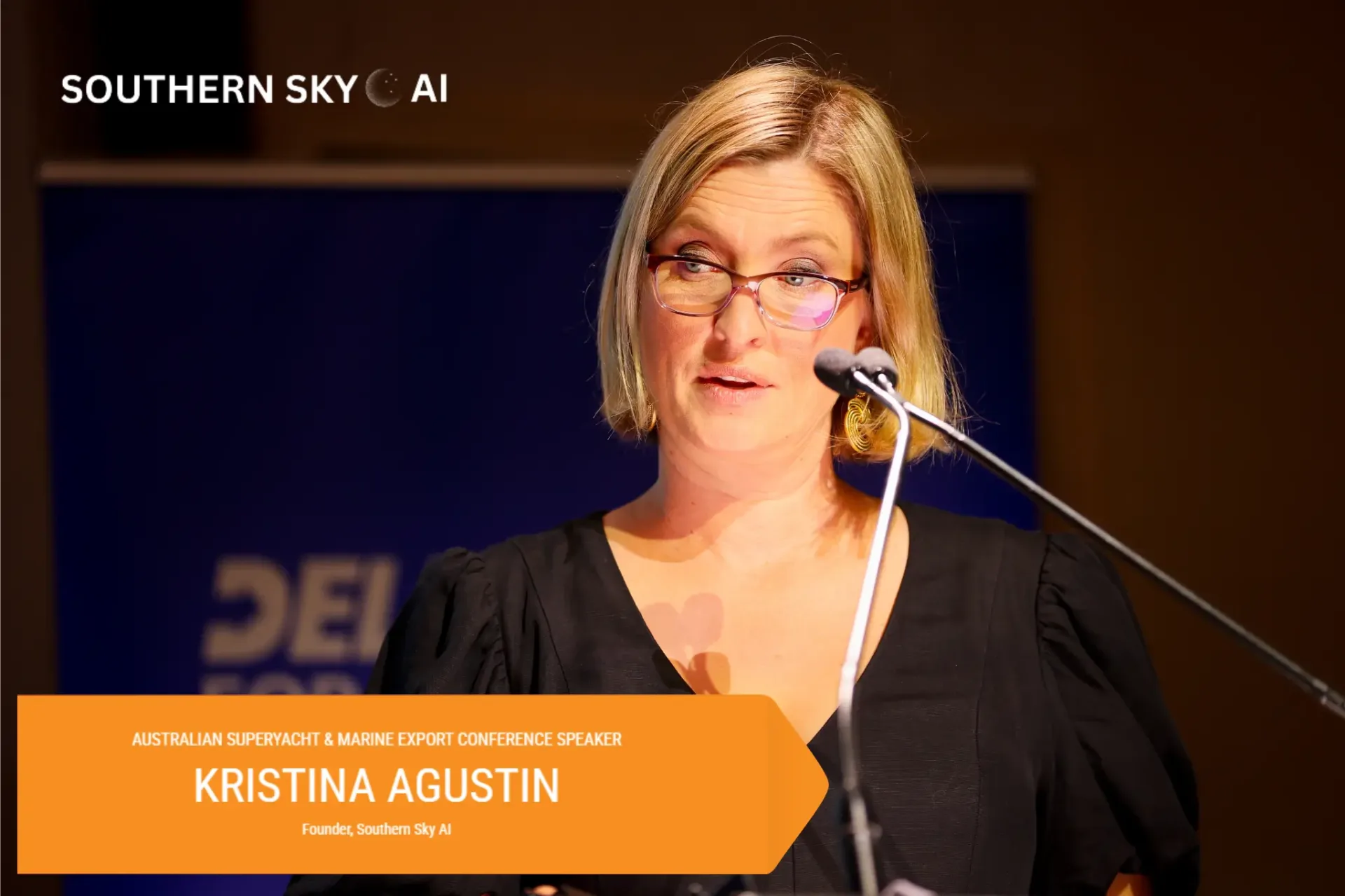
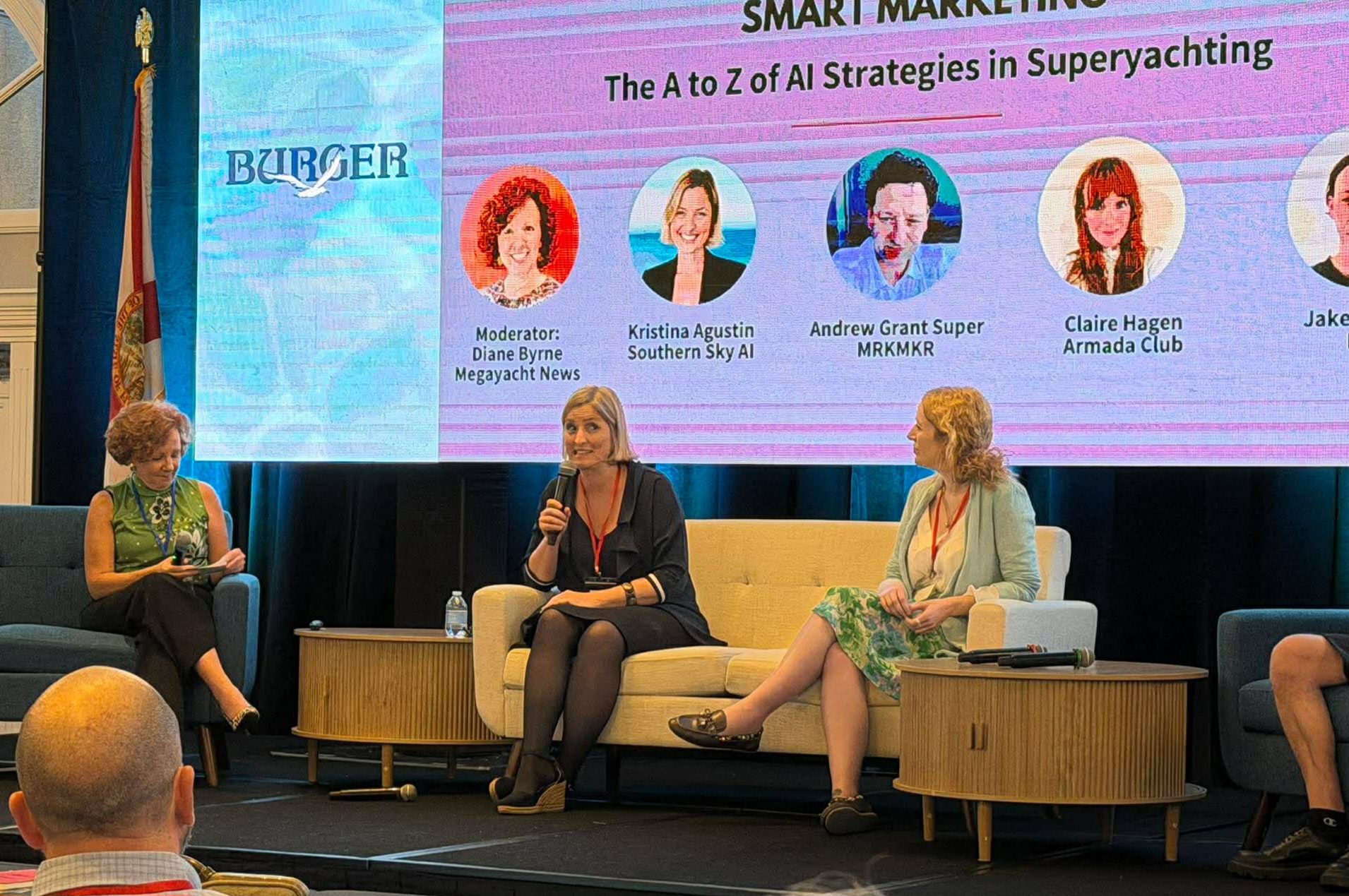
Kristina Agustin is the founder of Southern Sky AI, an AI strategy and deployment company for the superyacht and marine industry.
Reference: where to find the terms
These two tables can run with the article or as a separate sidebar. Published terms as of November 2026; terms change often, so check each provider's page before relying on any line. Content flagged for misuse, or held for legal reasons, can be kept longer under any of them.
For more than 40 tools, including maritime platforms, see the AI Tools Data Policy Guide.
AI tools
| Provider | Tool and plan | Model training | Data retention | Terms |
|---|---|---|---|---|
| OpenAI | ChatGPT personal plans, including Plus and Pro | Used by default; the user can switch it off | Chats saved until the user deletes them; deleted chats removed within 30 days | ChatGPT data controls |
| OpenAI | ChatGPT Business and Enterprise | Not used by default | Set by your administrator; deleted chats removed within 30 days | OpenAI enterprise privacy |
| OpenAI | Developer access (API) | Not used by default | Up to 30 days; zero retention on approval | OpenAI enterprise privacy |
| Anthropic | Claude personal plans, including Pro and Max | The user's choice | Up to five years if training is allowed; deleted chats removed within 30 days | Claude personal plans |
| Anthropic | Claude Team and Enterprise | Not used by default | Chats kept in the product; deleted chats removed within 30 days | Claude business data retention |
| Anthropic | Developer access (API) | Not used by default | Up to 30 days; zero retention on request | Claude business data retention |
Platforms you may already use
Each of these already stores your business data on its own servers, under its own terms, whether or not you use its AI features.
| Platform | Your data it stores | AI built in | Whose models | Model training | Data retention | Terms |
|---|---|---|---|---|---|---|
| Microsoft 365 | Email, files, chat and meetings | Yes, Copilot | OpenAI's and Anthropic's | Not used to train its models | Set by your administrator's retention policies; users can delete their own history | Microsoft 365 Copilot privacy |
| Google Workspace | Email, files and meetings | Yes, Gemini, included in most plans | Google's own | Not used without your permission | AI conversations kept from 90 days to indefinitely, as set by your administrator | Google Workspace AI privacy |
| Dropbox | Files | Yes, AI features and Dash | OpenAI's and Anthropic's, among others | Its AI providers are contractually restricted from training on customer data | 90-day retention period | Dropbox AI trust page |
| HubSpot | Contacts, deals and client email | Yes, Breeze AI | OpenAI's, Google's and others | Used to train HubSpot's own models by default; a Super Admin can switch it off | Not published | HubSpot AI model training |
| Adobe Acrobat | Contracts and documents | Yes, AI Assistant, on by default | OpenAI's, through Microsoft Azure | Not used | Sessions deleted after 12 hours | Adobe Acrobat AI settings |
| QuickBooks | Accounts, invoices and payroll | Yes, Intuit AI | OpenAI's and Anthropic's, plus Intuit's own | Used to train Intuit's own models; its AI partners can't train on it | Not published | Intuit responsible AI |
| Mailchimp | Subscriber lists and campaigns | Yes, Intuit AI | OpenAI's, through Microsoft Azure | Its terms allow inputs and outputs, including customer data, to be used for machine learning | Not published | Mailchimp terms |
| Crew or vessel platform (example) | Crew, guest and vessel records | Being added to at least one | Not published | Not published | Not published | Ask your vendor |